Solutions
What Termiyo does
Each card is one job, start to finish: a short recording of the real app doing it, why it helps, and the steps to do it yourself.
Getting started
From a fresh install to a terminal on your server in a couple of minutes, and a checklist for the rest.
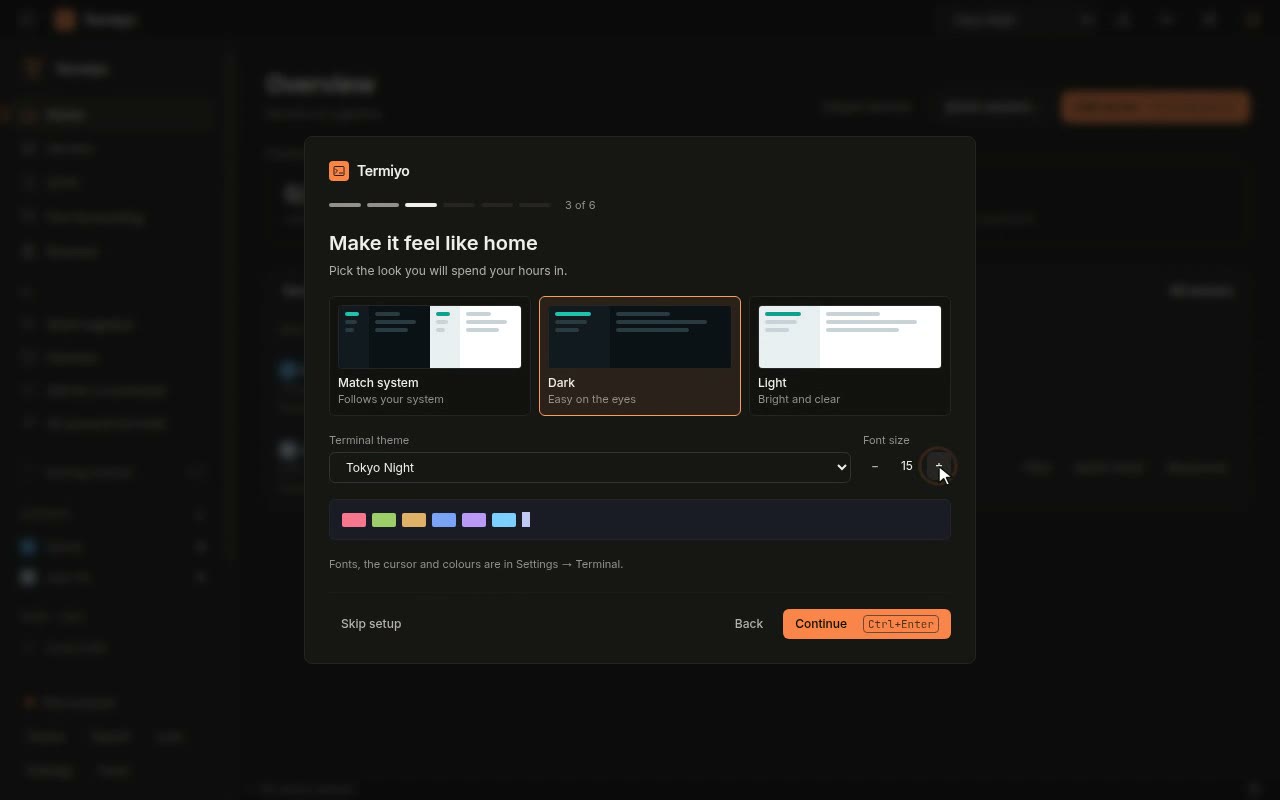
From a fresh install to your first server
Your servers are already saved somewhere: bring them in without typing one, and be on a terminal in about a minute.
Open the recipe →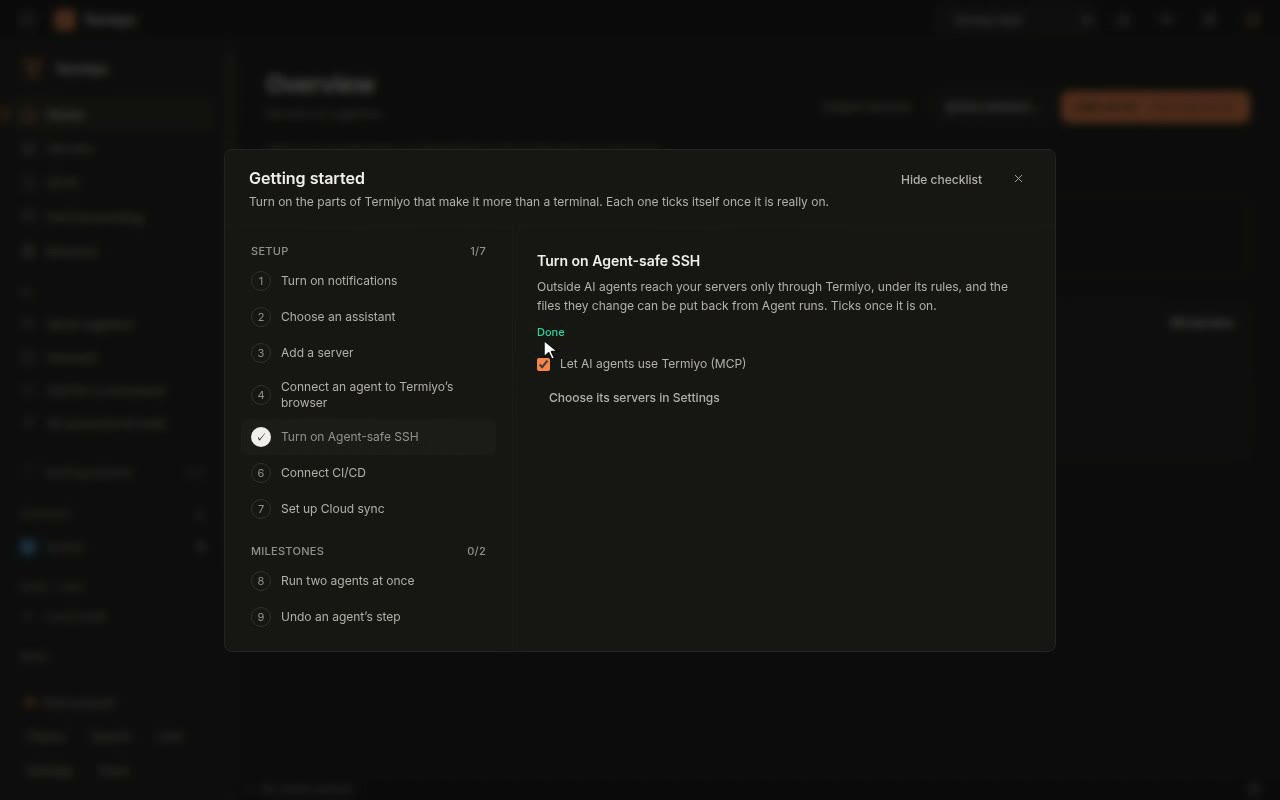
The Getting started checklist
See what Termiyo can do for you that you have not switched on yet, and switch it on without hunting through Settings.
Open the recipe →
Connect and organise servers
Bring your servers in from wherever they are listed today, and find the right one in a second.
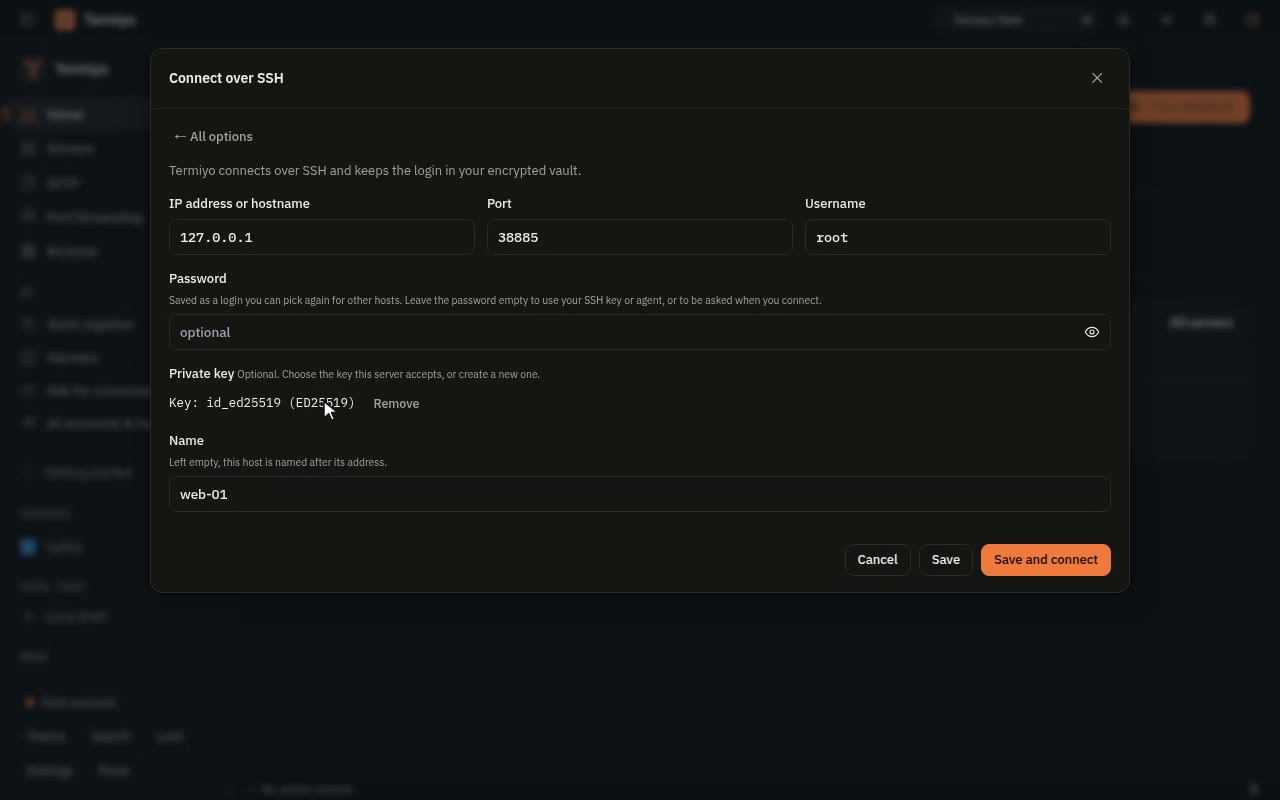
Add a server by hand
A new server is one short form away, using the SSH key you already have, without hunting for key files.
Open the recipe →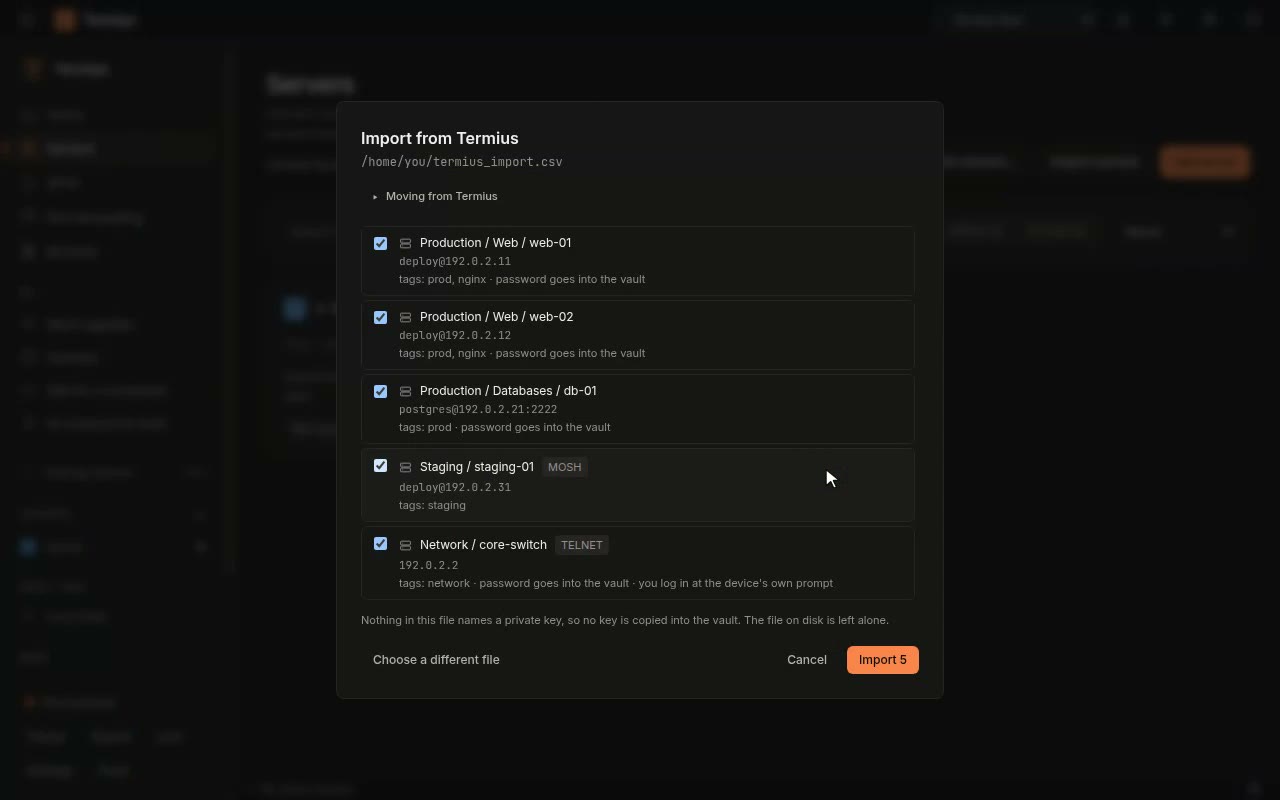
Moving from Termius
Leave Termius without retyping a host: groups, tags, ports, users and saved passwords come with them.
Open the recipe →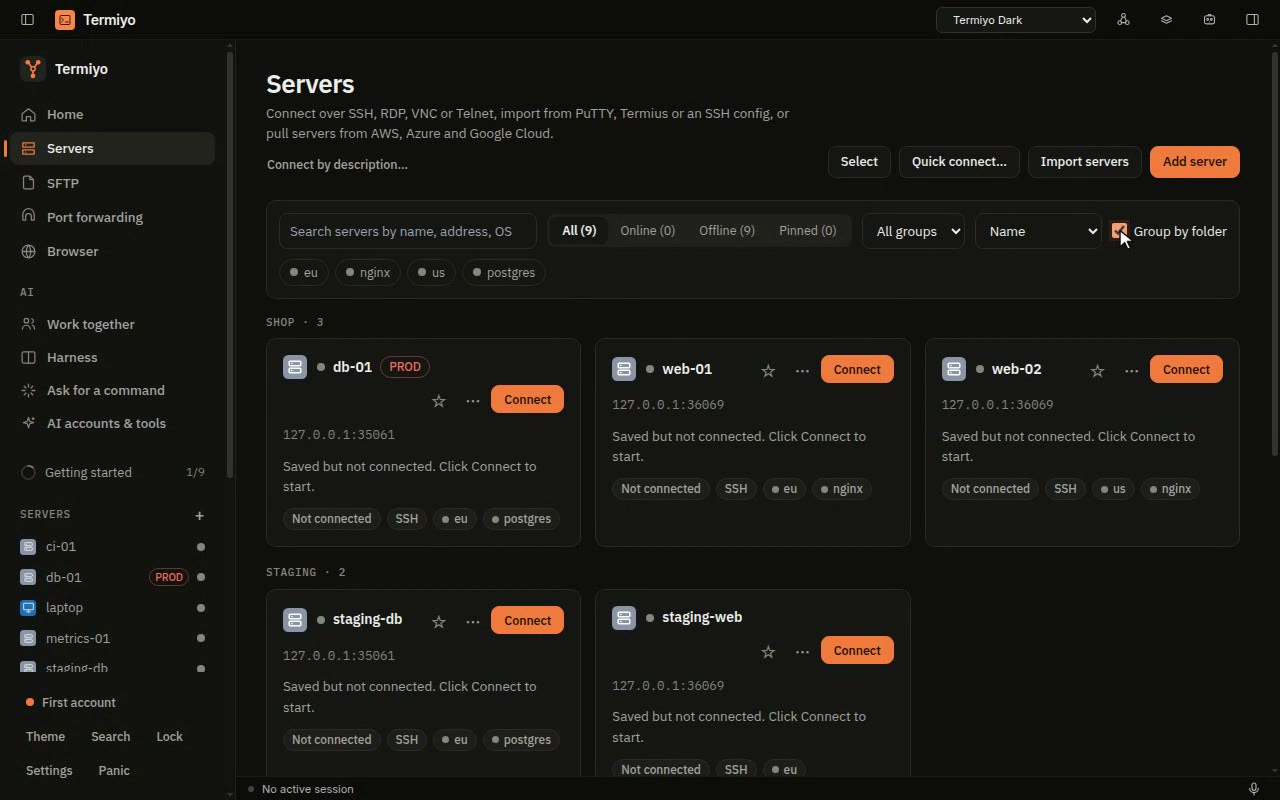
Find the right server in a second
Thirty servers stop being a scroll: type a few letters, or narrow by group and tag, and the one you want is there.
Open the recipe →
Files and transfers
Move files between your computer and a server, or between two servers, without a second program.
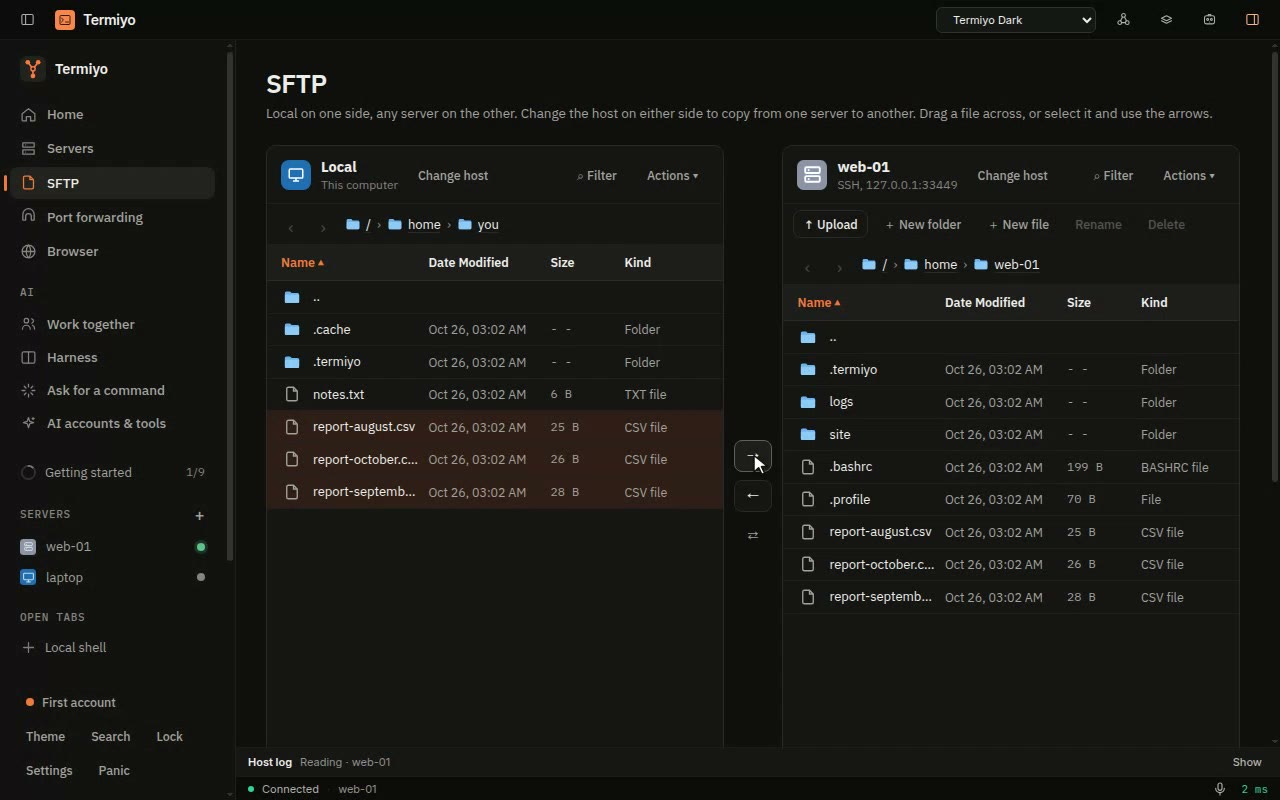
Move files with SFTP
Move files to and from a server over the connection you already have, without a second program or login.
Open the recipe →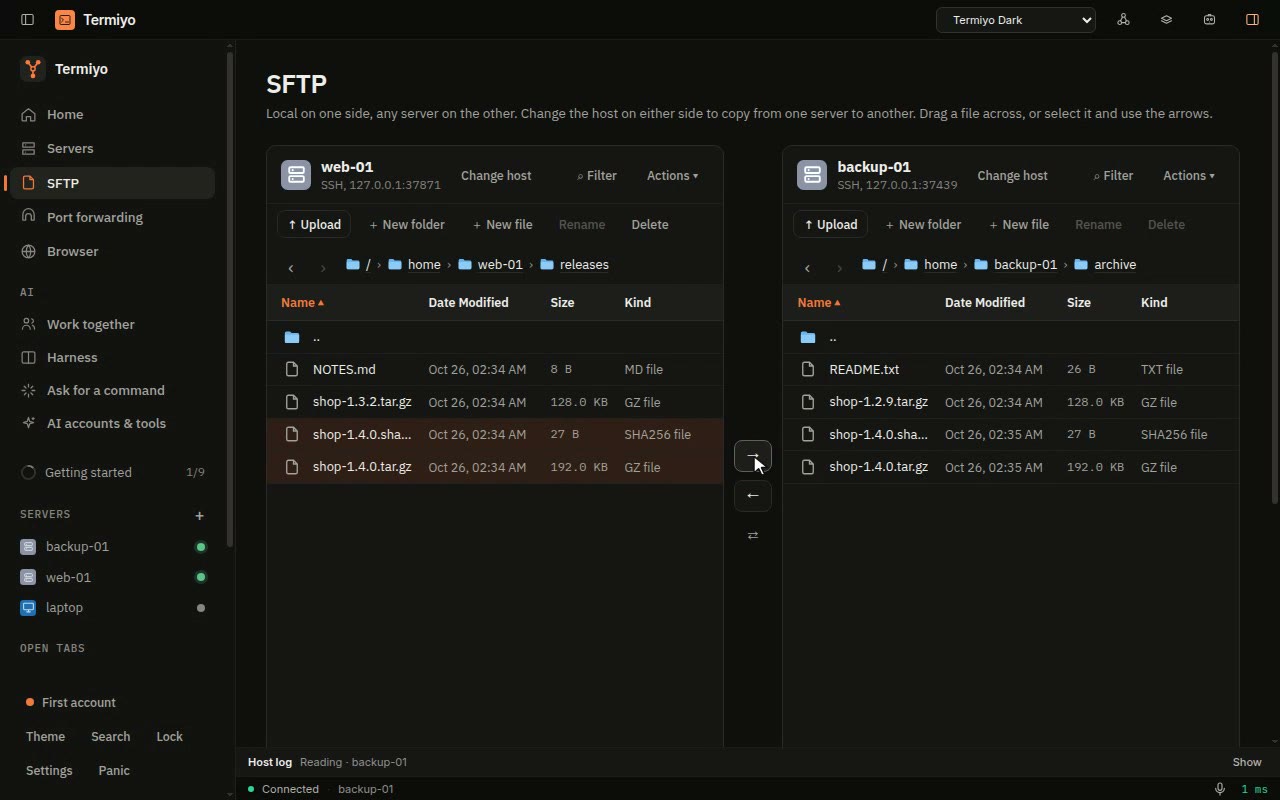
Copy files from one server to another
Move a backup or a release from one server to another without downloading it first or giving one server a key to the other.
Open the recipe →
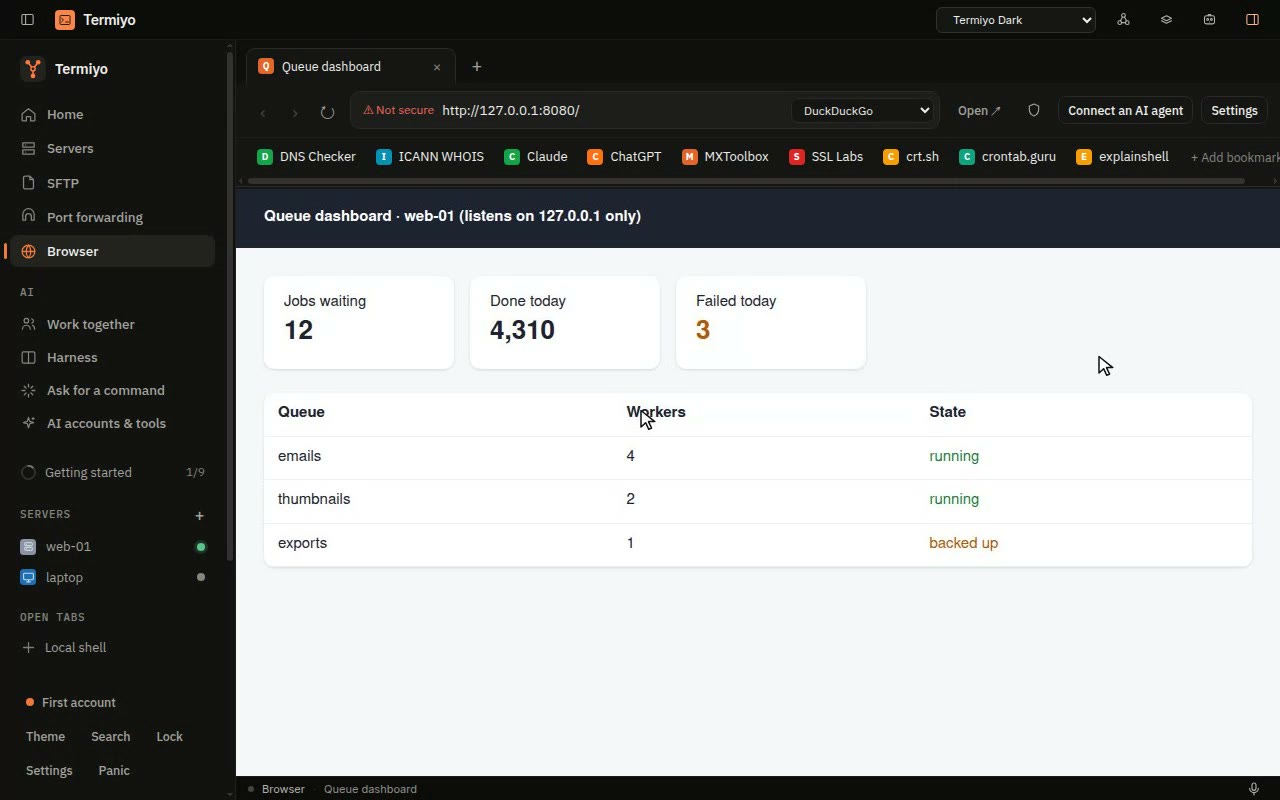
Port forwarding and the browser
Reach what only listens on the server, and open it in Termiyo’s own browser.
AI agents
Let Claude Code, Codex and other agents work on your servers, with you deciding what runs and able to take a step back.
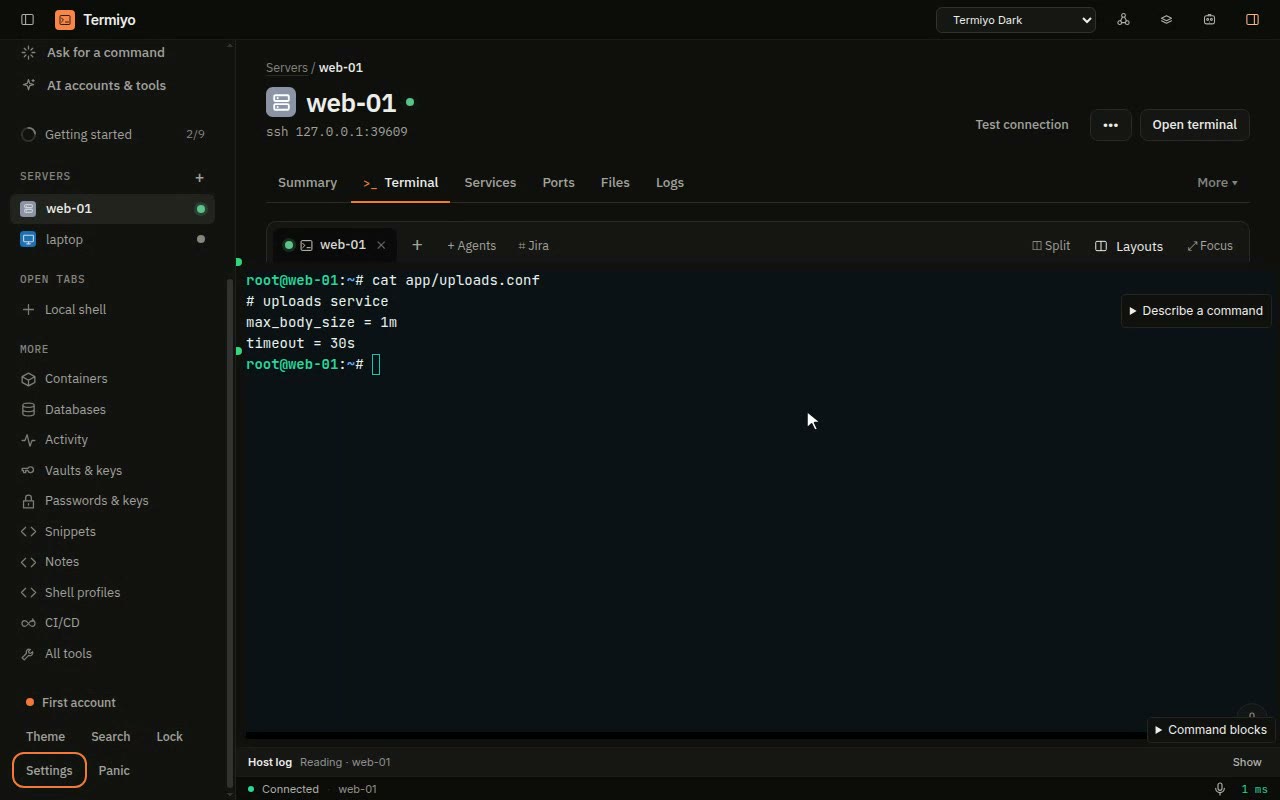
Let an agent fix a server, and undo the step
An agent can fix a server for you without ever holding its keys, and every change it makes can be taken back.
Open the recipe →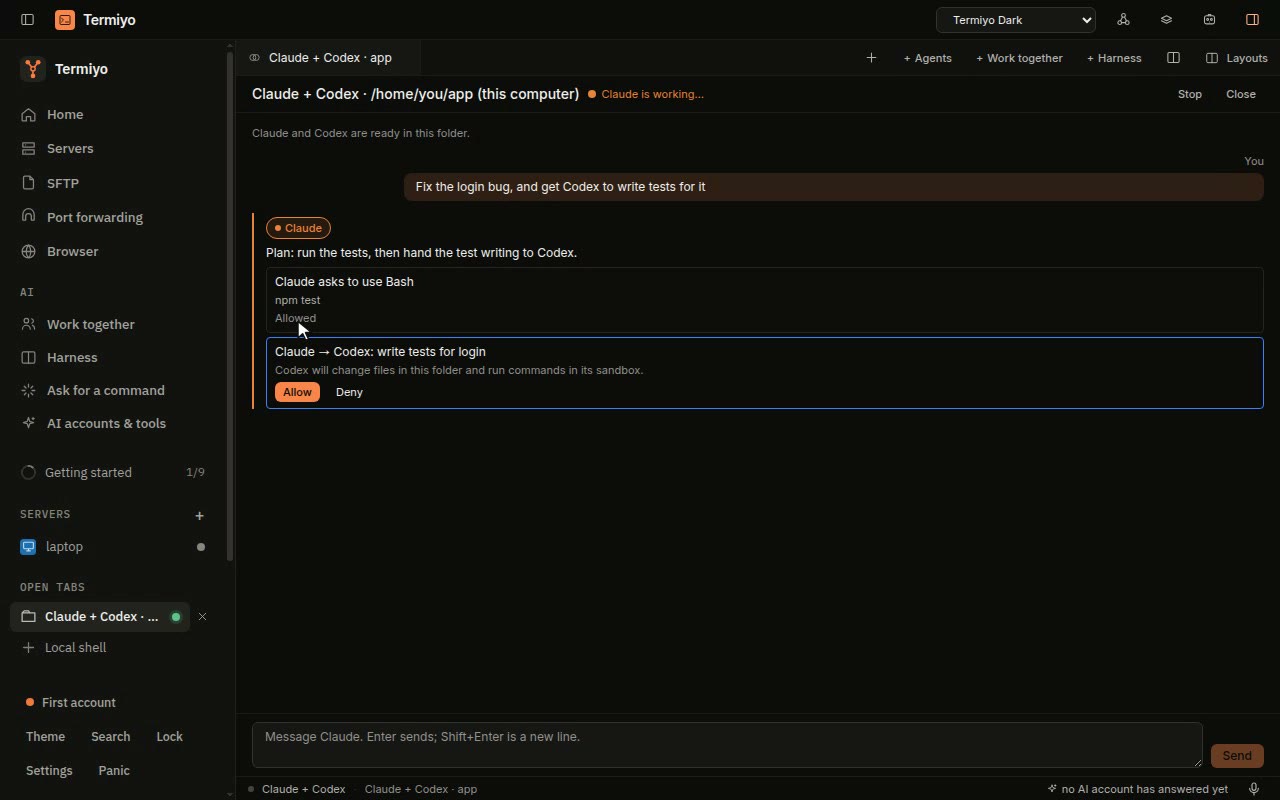
Claude and Codex in one pane
Two coding agents on one job without copying text between windows, and you approve every hand-off.
Open the recipe →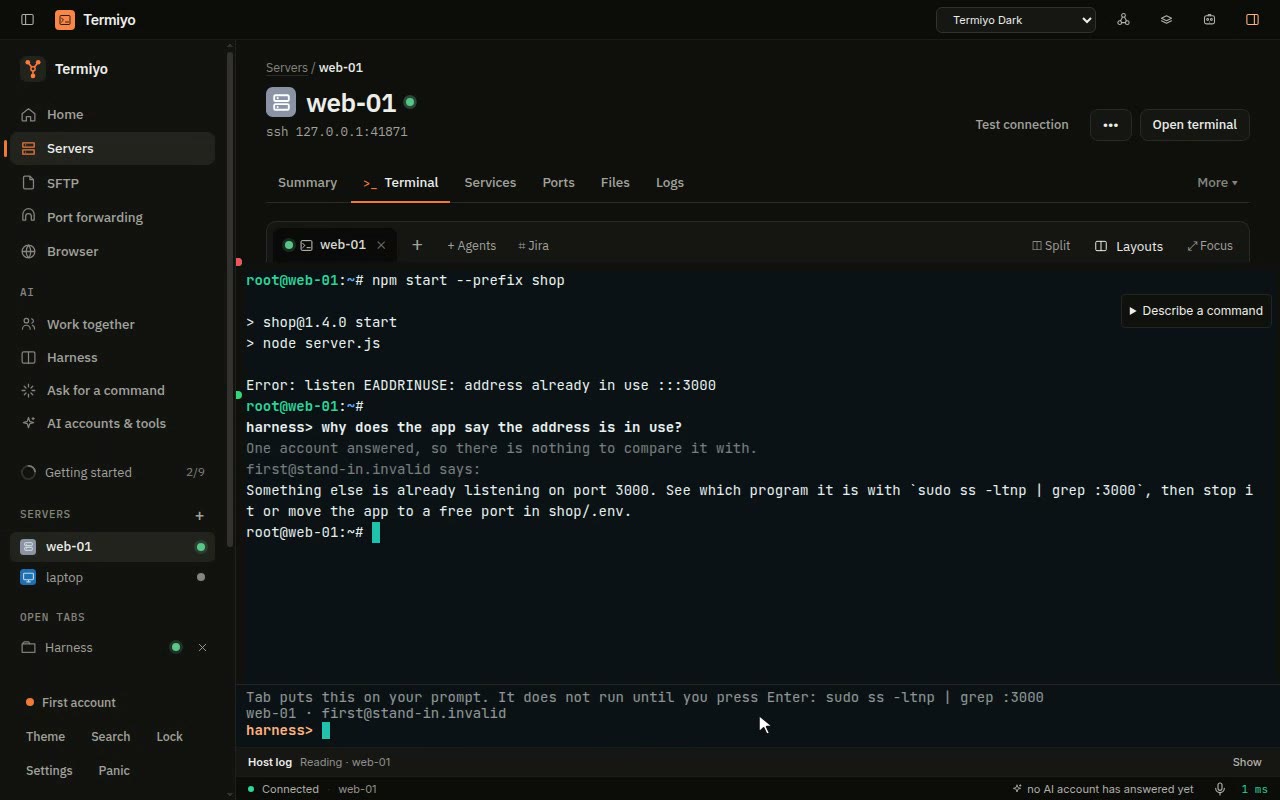
Connect your coding CLI through AI Accounts Pool
Keep your coding CLI connected when one provider account reaches its limit.
Open the recipe →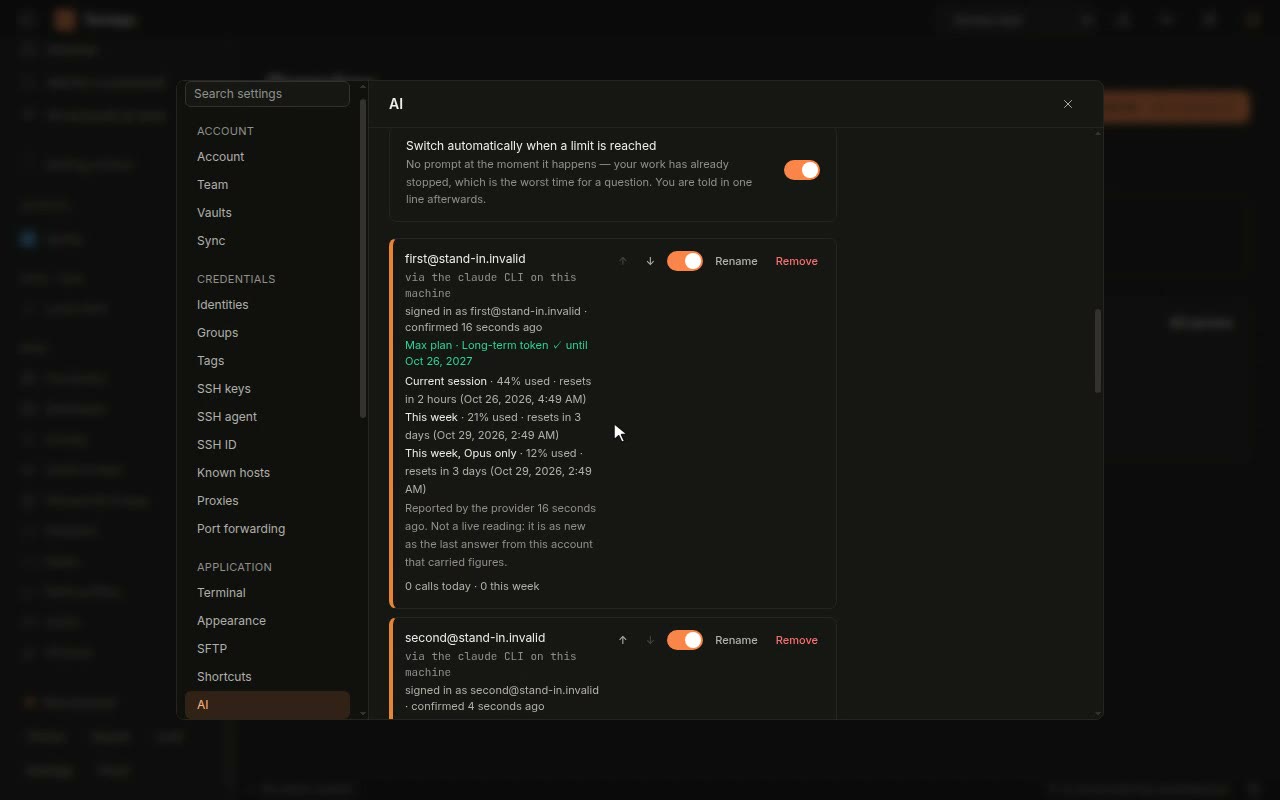
All your AI accounts, with their limits
Use every Claude and Codex account you pay for from one place, and see which one has room left before a job stops halfway.
Open the recipe →
CI/CD and Jira
See your pipelines and keep the issue you are working on next to the terminal.
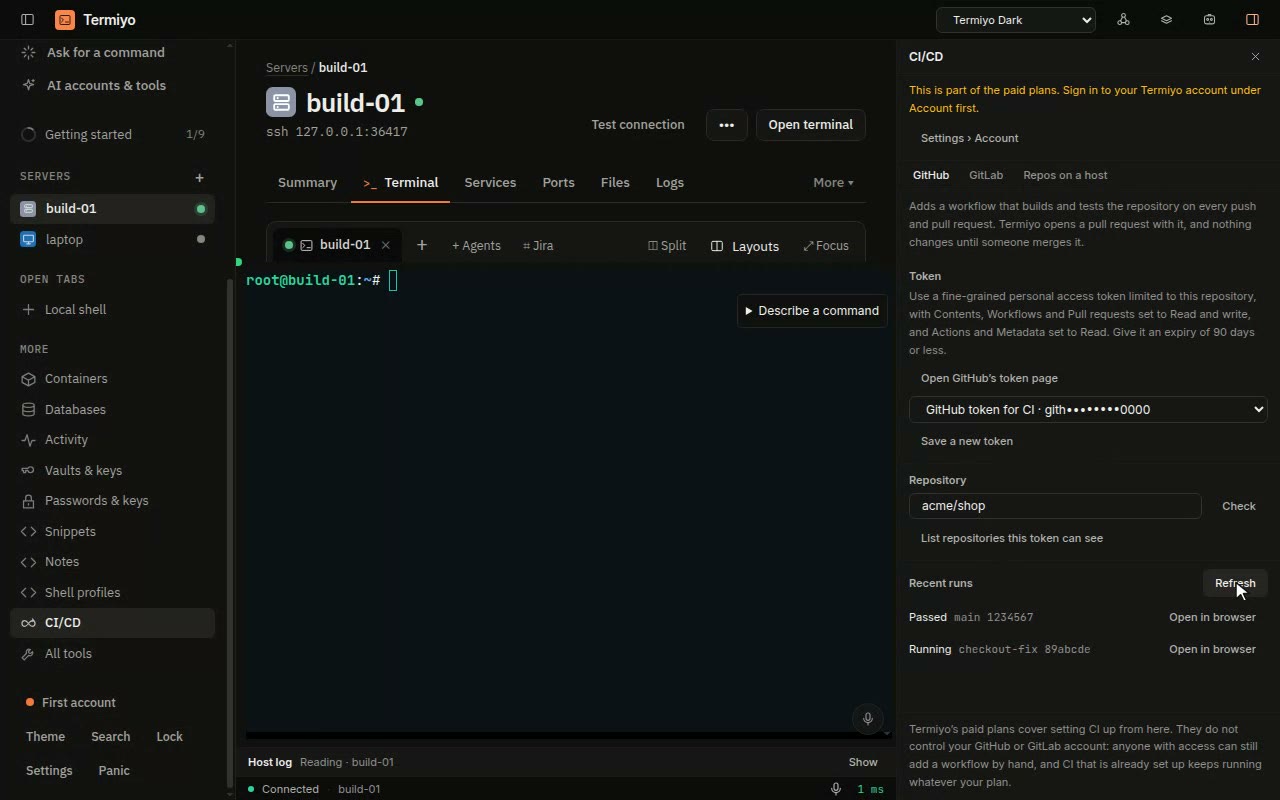
CI/CD from GitHub, GitLab or Gitsi
See whether your builds pass on GitHub, GitLab or your own server without leaving the terminal you deploy from.
Open the recipe →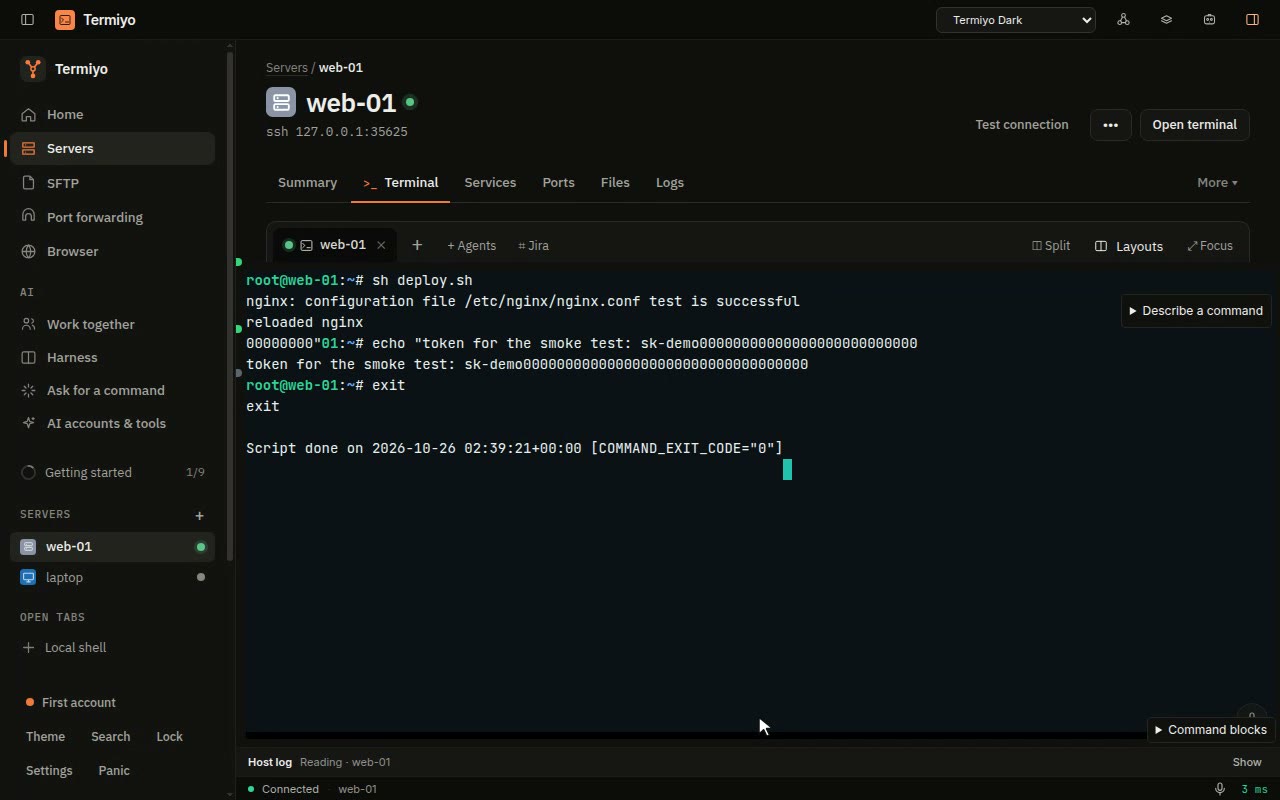
Link a terminal session to a Jira issue
The proof of what you did on the server lands on the ticket, without copying terminal output by hand or pasting a secret by mistake.
Open the recipe →
Containers and Kubernetes
Your containers and clusters as lists you can act on, not commands you have to remember.
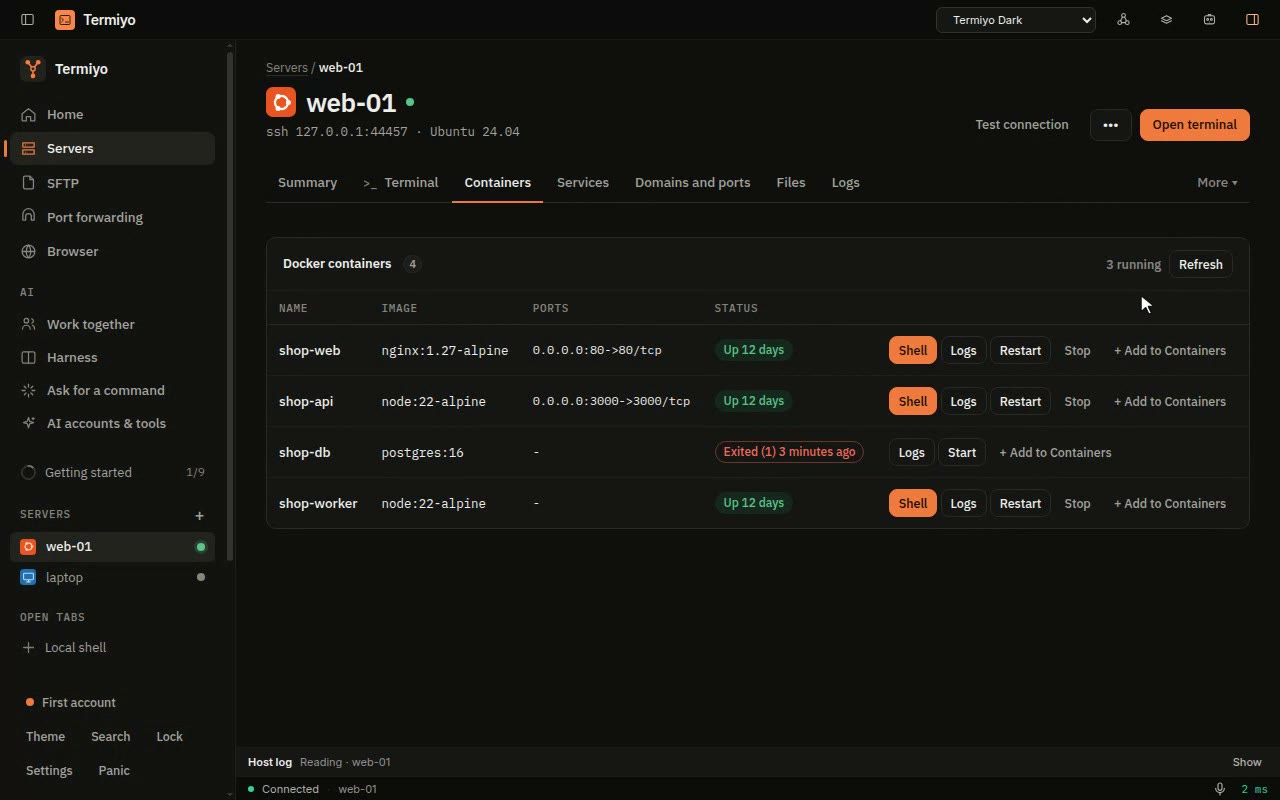
Docker containers without the commands
See which containers are up, read a log and restart one without remembering a single docker command.
Open the recipe →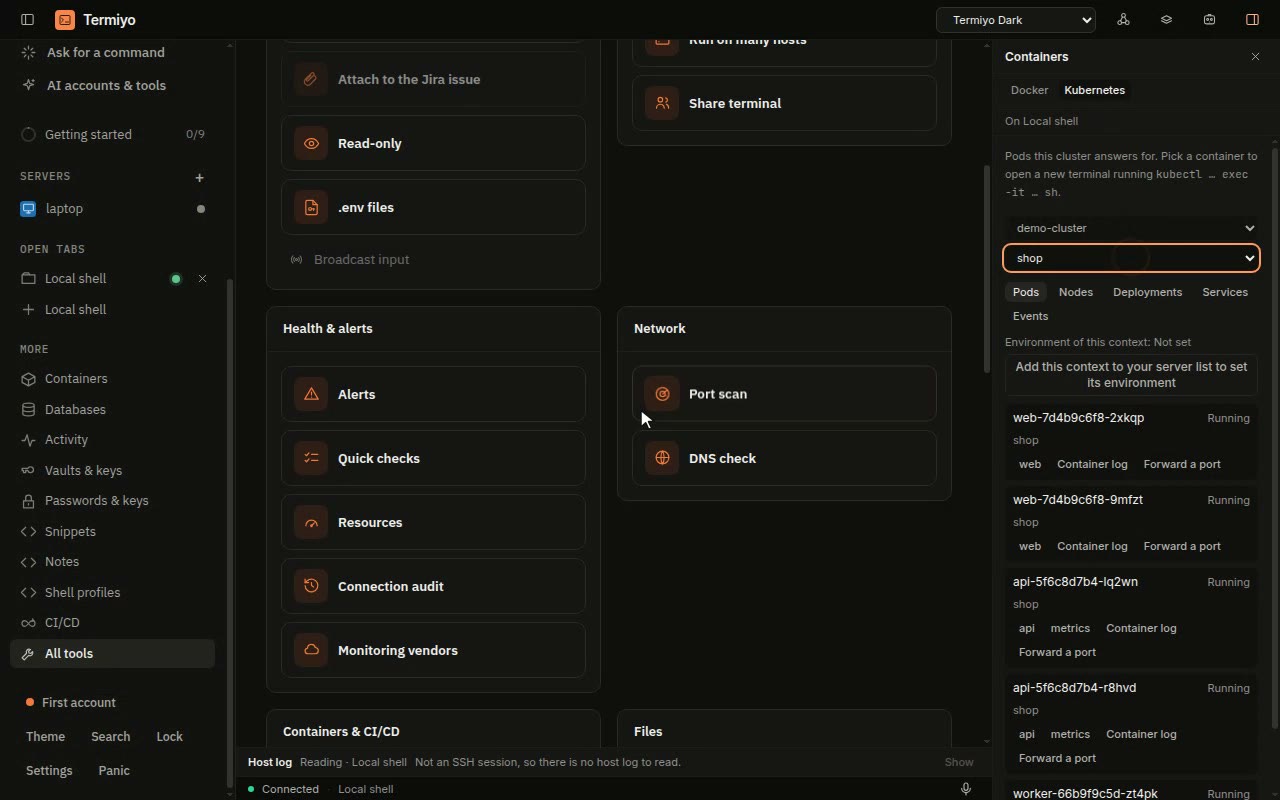
Kubernetes pods and deployments
Check a cluster and scale a deployment without typing kubectl, and see the exact command before anything changes.
Open the recipe →
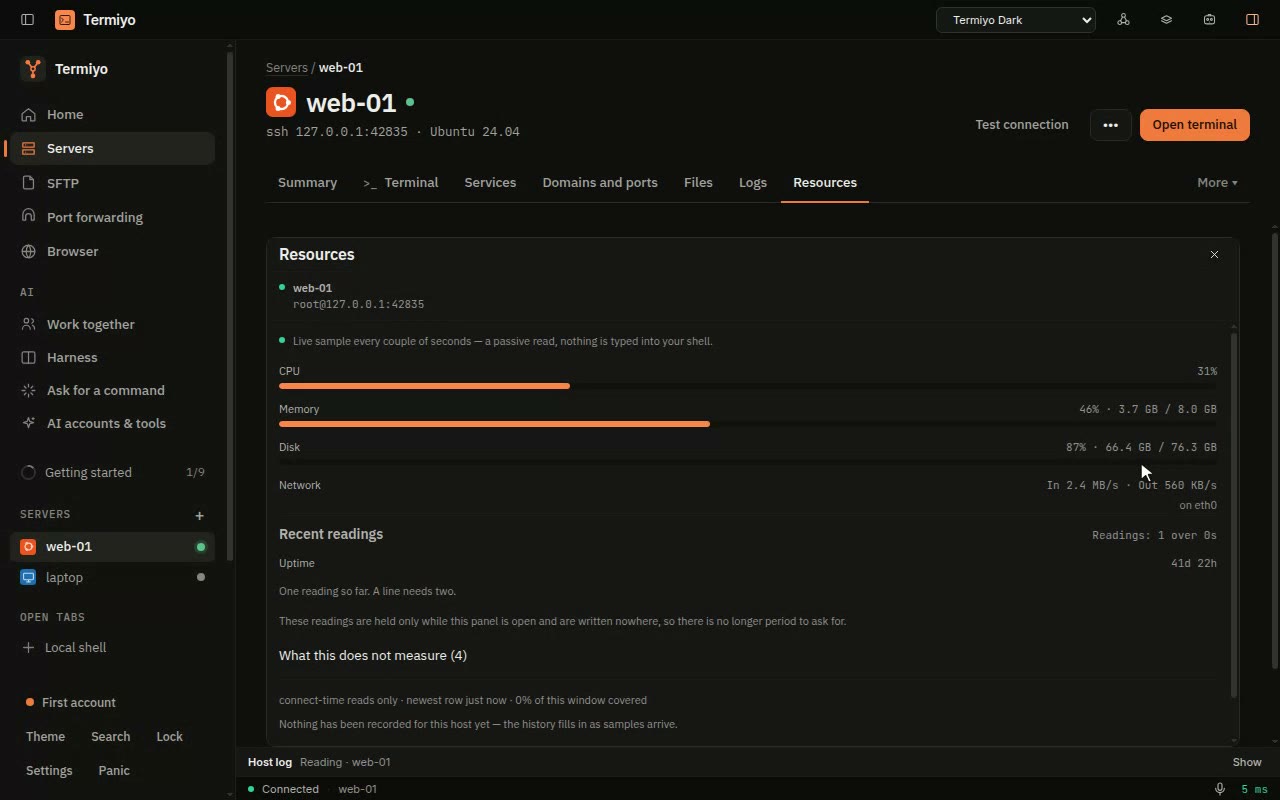
Monitoring and alerts
Know what is wrong with a server before you have logged in to look.
Teams, sharing and vaults
Share servers and credentials with the people you work with, without sharing passwords.

Share servers with your team
Your team gets the servers, logins and jump hosts it needs in one copy, instead of a password pasted into a chat.
Open the recipe →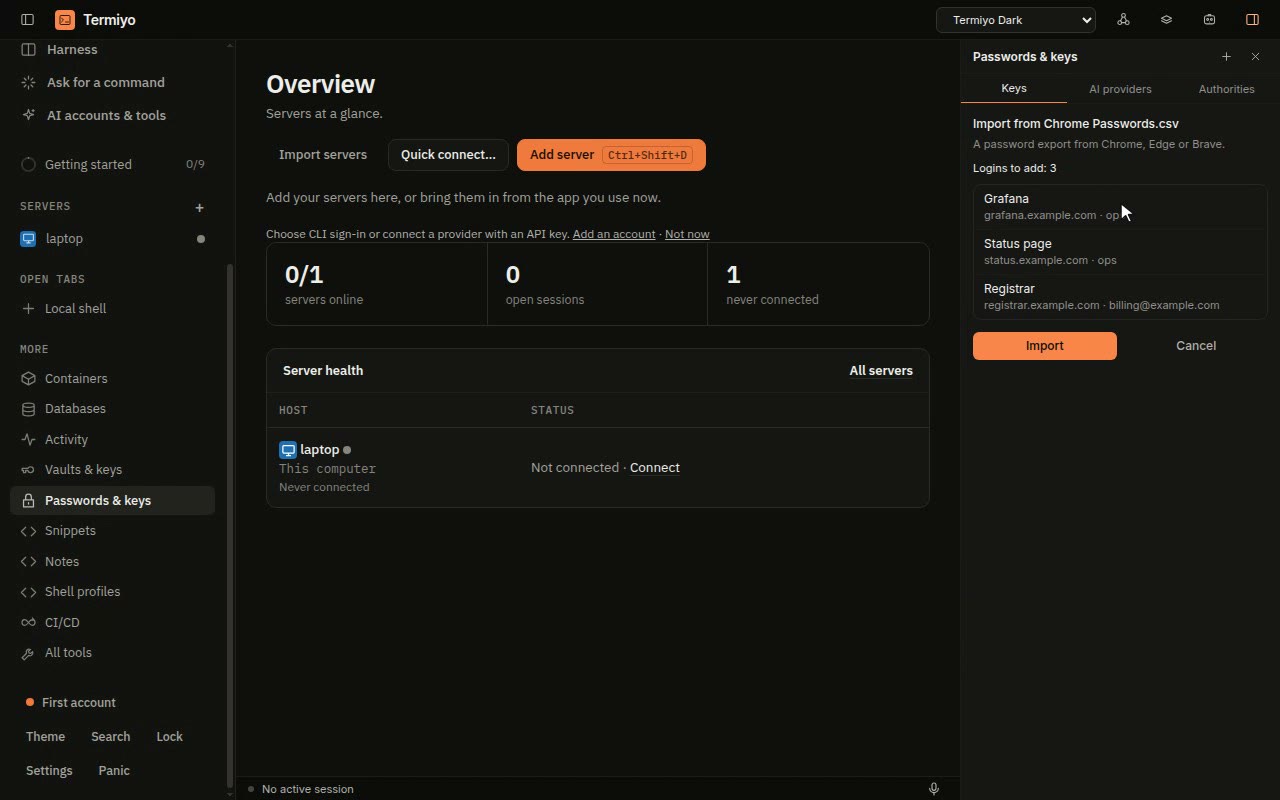
Passwords and API keys, kept like a browser keeps them
The database password and the API token you need on a server are a search away, encrypted, and never left in a text file or on screen.
Open the recipe →
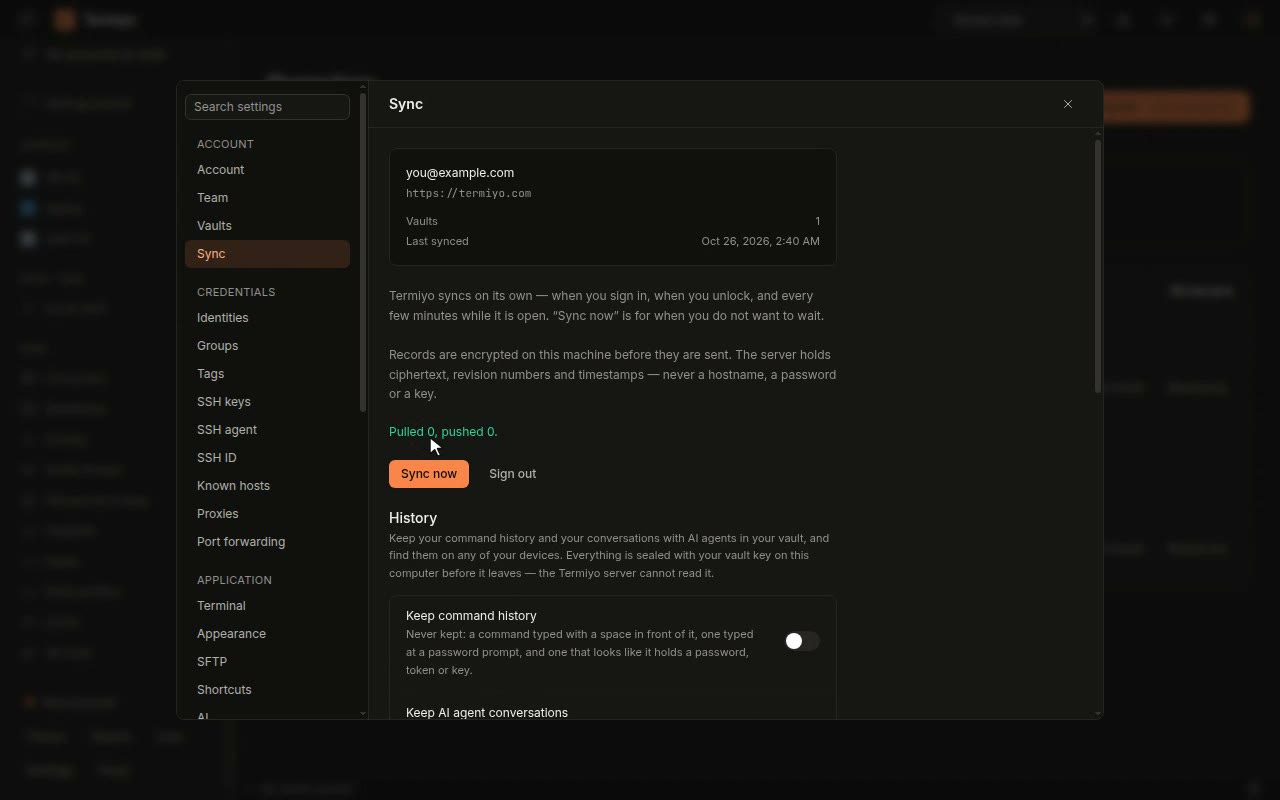
Sync and Cloud
The same servers and settings on every computer you use, encrypted before they leave this one.
The terminal itself
A terminal that makes the everyday parts faster: copying, repeating, reading and writing in any script.
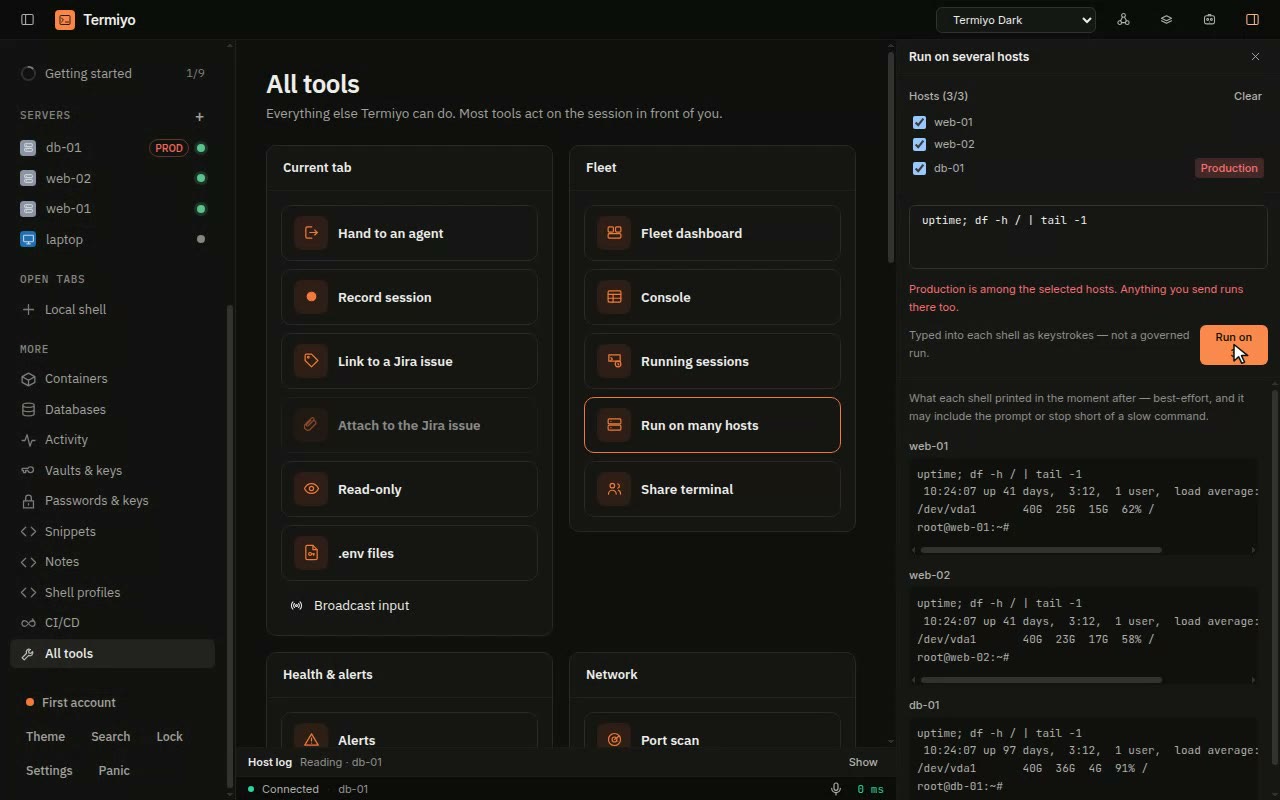
Run one command on several servers
Check or fix the same thing on every server at once, instead of the same command typed in five tabs.
Open the recipe →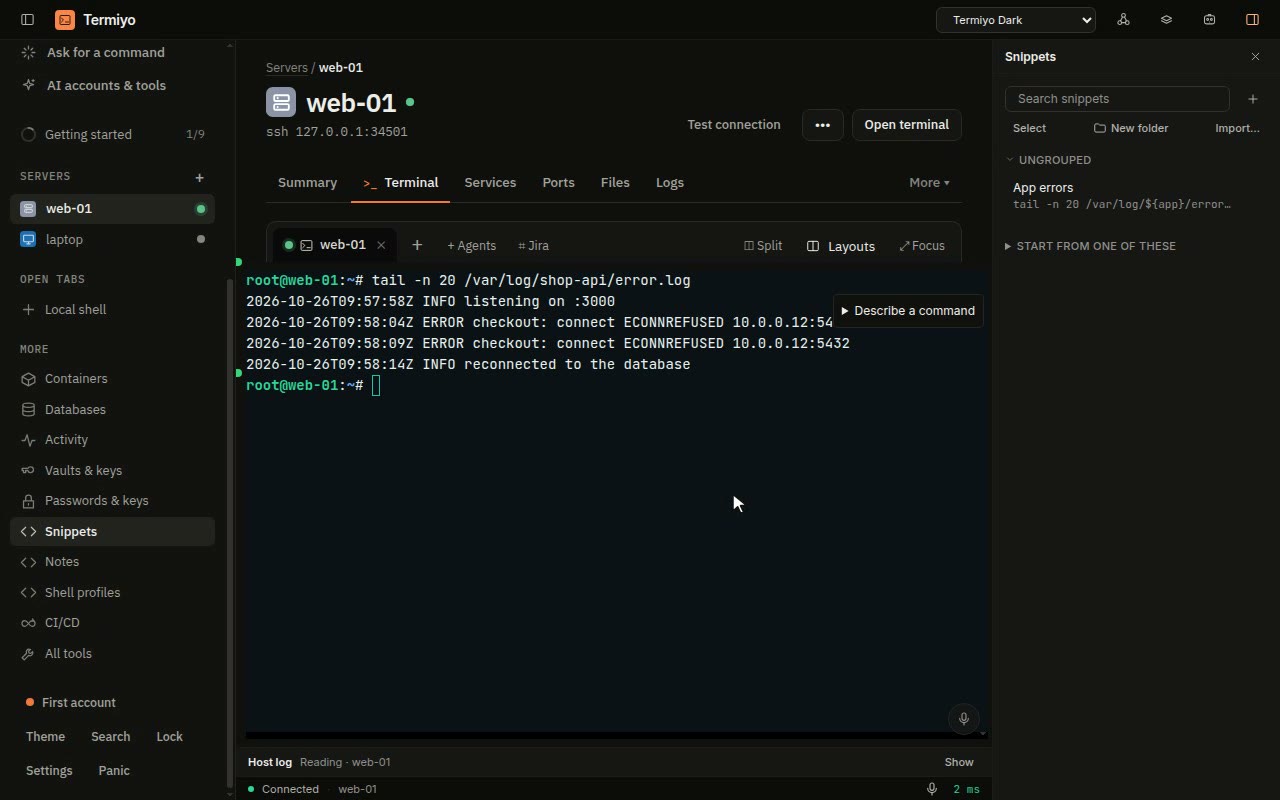
Snippets with questions, and runbooks that run
The commands you repeat, saved once and never mistyped, and a checklist that runs itself and stops when something is wrong.
Open the recipe →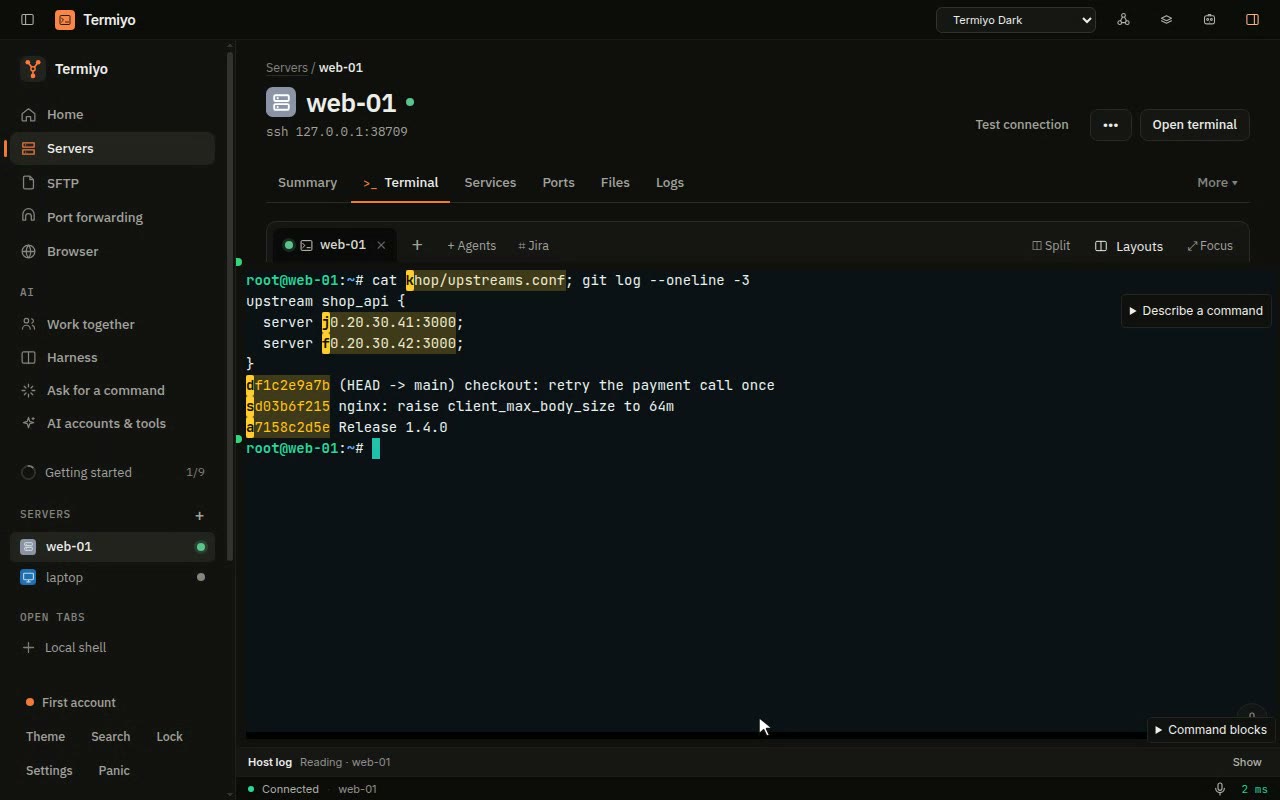
Copy from the terminal without the mouse
Copy the IP, commit or path you just saw in two key presses, instead of a careful drag with the mouse.
Open the recipe →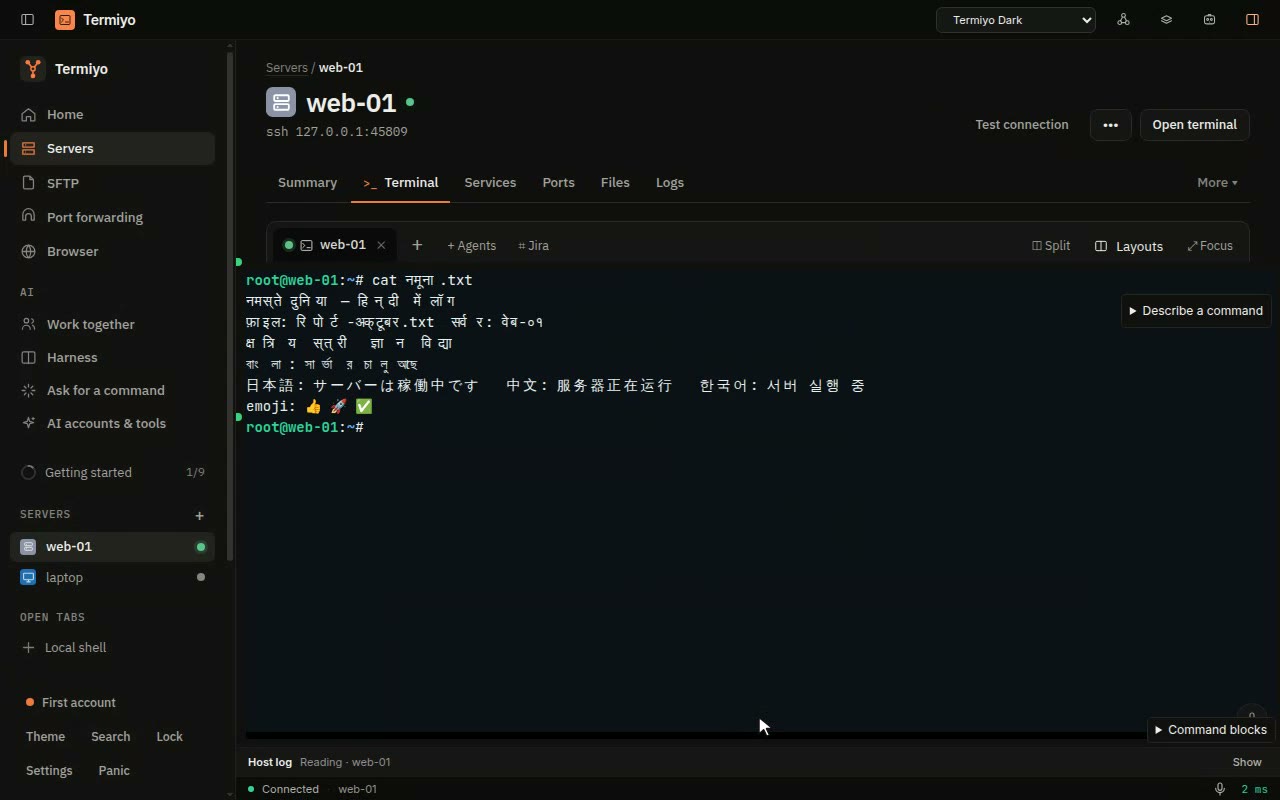
A terminal that looks right, in your language too
Hindi file names and log lines read properly, not as letters broken by dotted circles, in colours you chose.
Open the recipe →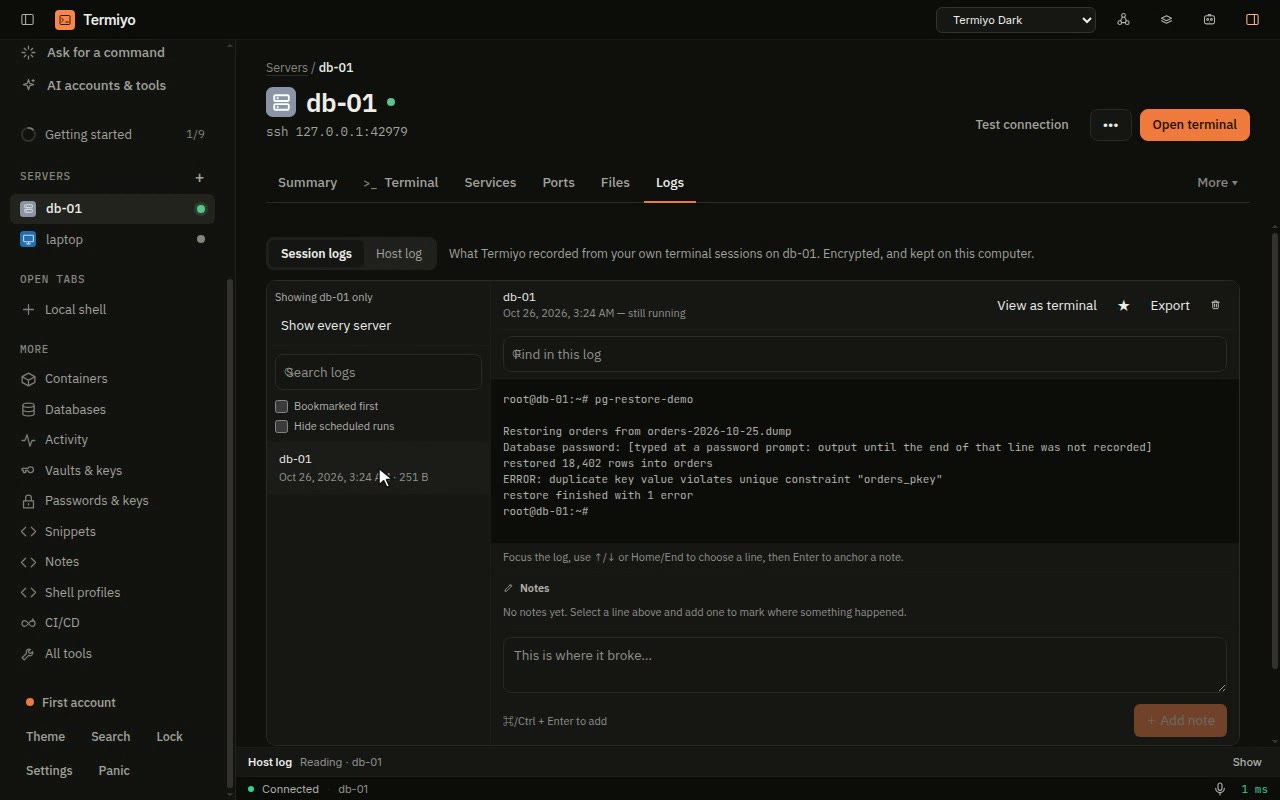
Keep a record of every session
When someone asks what happened on that server last Tuesday, you can show them, line by line.
Open the recipe →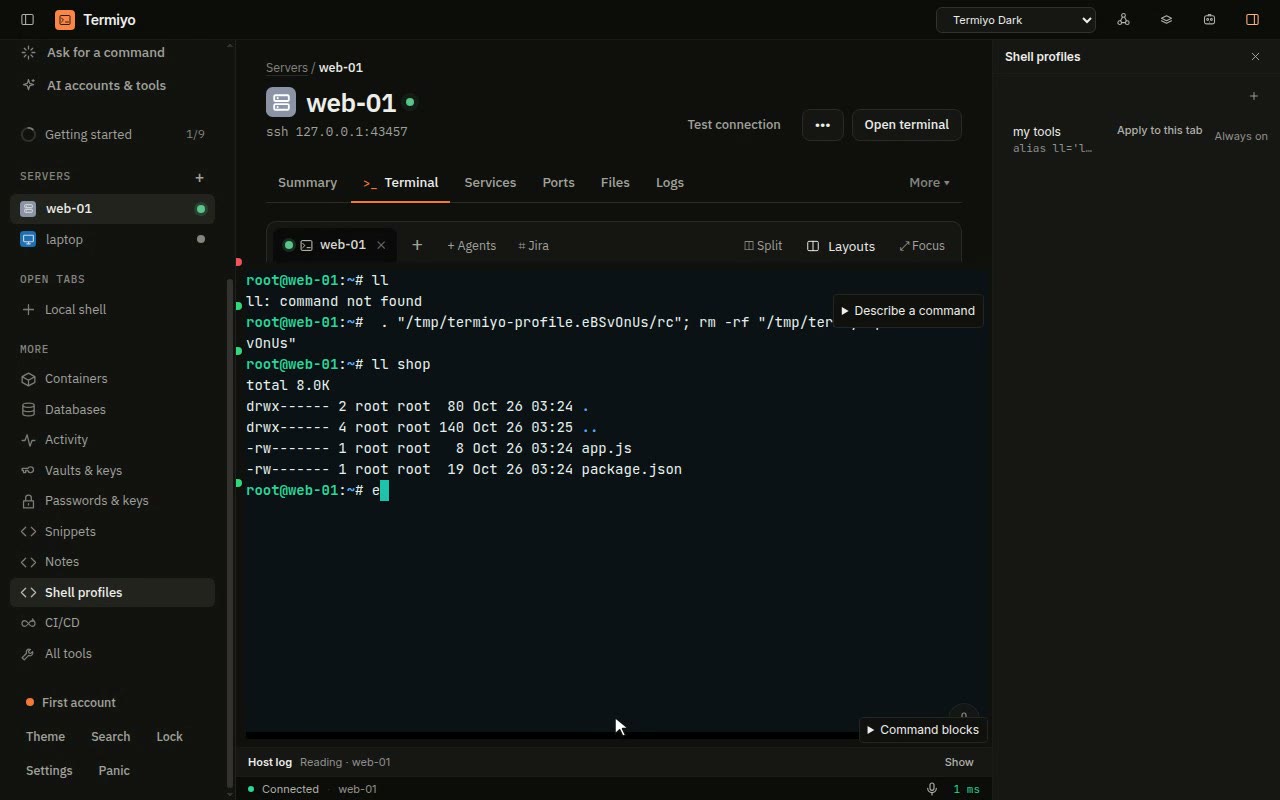
Your aliases on every server
Your ll, your prompt helpers and your EDITOR on every server you log in to, without copying dotfiles around or editing anyone’s .bashrc.
Open the recipe →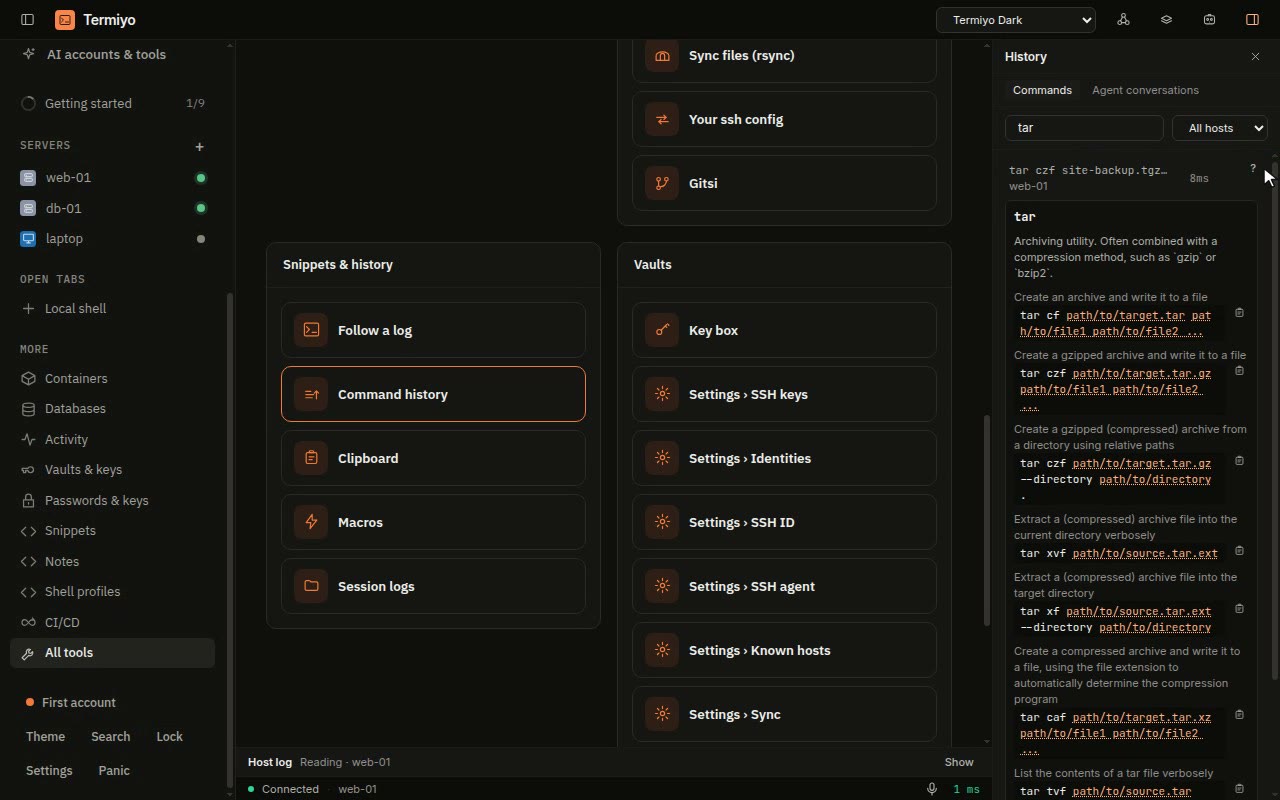
Every command you ran, a search away
Find the command that fixed it last time on any server, see what it does, and run it again without retyping it.
Open the recipe →
The recordings are made from the real app by a script that drives it against test servers on the recording machine, so they show no real host, key or account, and they are made again when the app changes.